Quarter Turn beginner’s guide: clear arrows in order
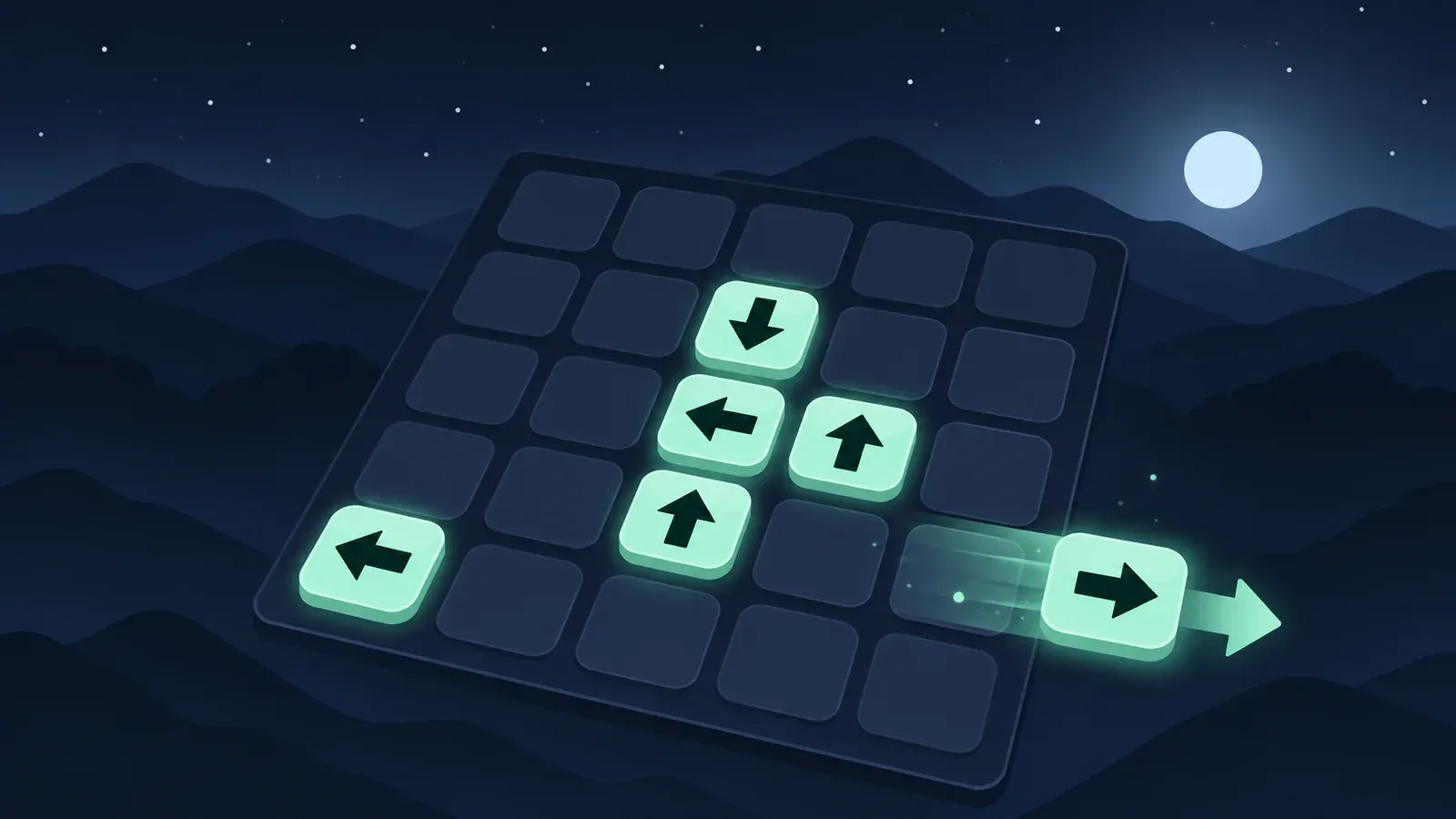
Quarter Turn is an arrow puzzle in which each tap sends an arrow along its pointing direction. It leaves the board if the route allows it; otherwise it can stop against a piece or interact with a special tile. To solve a level, clear every arrow. To improve the result, work toward the level’s par move count.
The most useful habit is to trace a whole route before tapping. A move can change a different arrow or obstacle, so look at the resulting board before planning the next one.
Your first clearing-order example
Imagine 2 right-pointing arrows in the same row, with no other obstacles. The arrow nearer the right edge has a clear exit; the arrow behind it has that first arrow in its path.
Clear the front arrow first, then the one behind it. Both can leave in 2 moves. If you instead move the rear arrow into the available space before the blocker, it can stop without leaving. That spends a move without clearing the obstruction that matters.
This is an illustrative row, not a numbered level solution. The same reasoning applies whenever 1 piece blocks another: identify the piece that must move first.
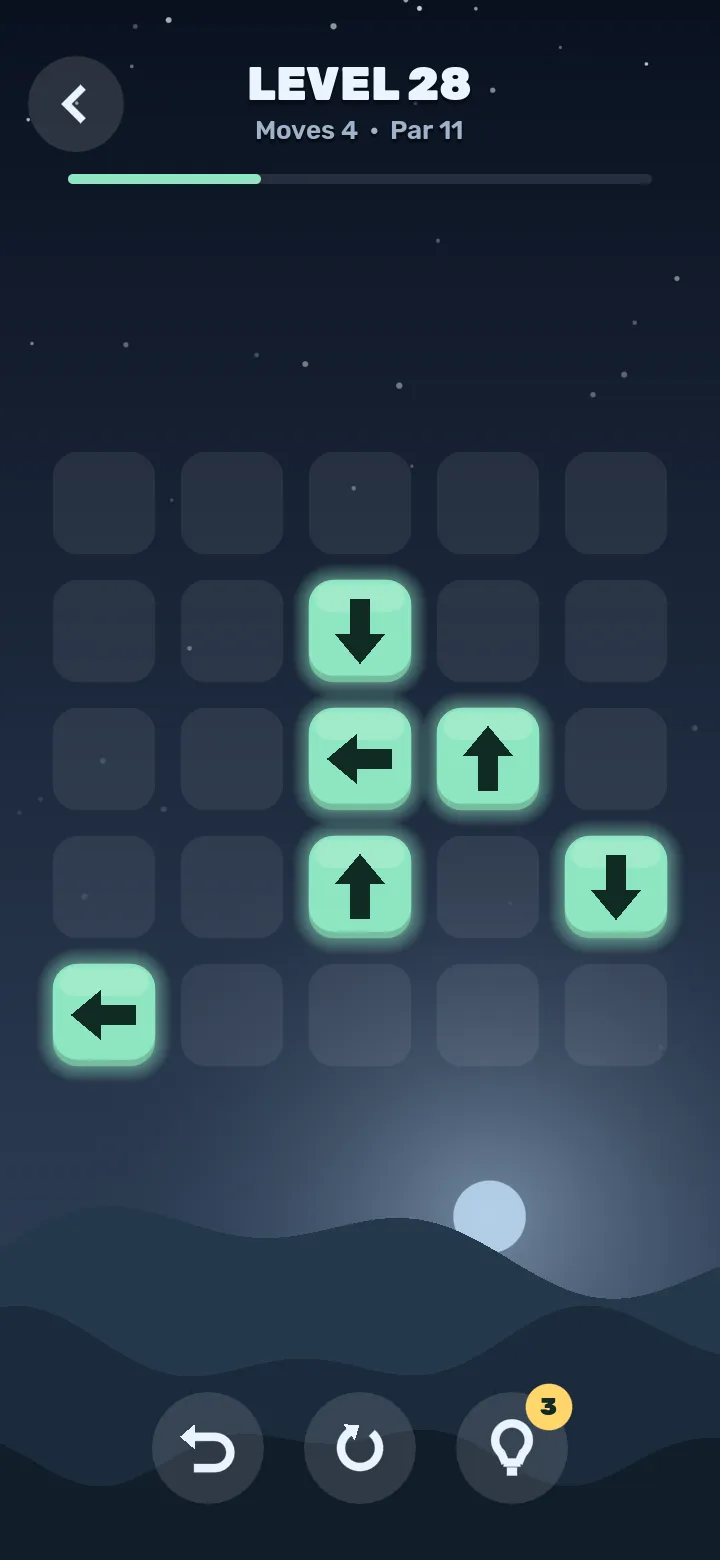
An actual Quarter Turn board. Trace each arrow’s route, including the pieces between it and the edge.
Why will an arrow not move?
An arrow blocked immediately by an adjacent piece cannot begin a slide. You need to change the board first. Tapping it repeatedly does not make that adjacent blocker disappear or turn.
An arrow that has space to travel can slide and then stop before a piece farther along the route. That distinction matters in later worlds: the move may produce a useful collision effect even though the moving arrow does not leave.
If an arrow appears stuck, check the cell directly ahead, then follow its full route. Ask whether you need to clear a blocker, change a direction, open a portal exit or approach an obstacle from another side.
Special pieces: what changes when you hit them?
The game introduces mechanics across 9 worlds. These are the main interactions to watch for:
| Piece or floor | What to expect | What to check before tapping |
|---|---|---|
| Plain arrow | Slides in its current direction; does not turn when bumped | Is its route to the edge clear? |
| Turning arrow | A collision can change its direction | Which way will it point after the collision? |
| Cracked stone | Can break when a moving arrow reaches it | Is there room for the arrow to move before contact? |
| Solid stone | Blocks the route | Can you clear another way or change the route? |
| Slanted deflector | Bends a moving arrow’s path | Follow the new direction after the bend |
| Portal pair | Transfers an arrow to the other portal if that exit is unoccupied | Is the exit open, and what lies beyond it? |
| Crate | Can be pushed 1 cell when there is empty space behind it | Is the next cell on the board and empty? |
| Mud | Stops the arrow on that tile | Will you need another tap to continue? |
Turning-arrow variants can turn clockwise, counter-clockwise or reverse direction. Read the introduction for the type you are meeting rather than assuming every bump produces the same turn.
A useful collision can be better than an immediate exit
In an early level, clearing any arrow with an open route is often productive. Later, an arrow may be useful because it can break a cracked stone or turn another arrow before leaving itself.
Suppose arrow A can slide into a cracked stone that blocks arrow B’s eventual route. The first move can remove the stone, leaving A still on the board. That is progress even though your arrow count has not fallen yet. Recheck A and B after the collision: the next useful move depends on their resulting positions.
The reverse mistake is clearing a piece before using its collision opportunity. When a world introduces a new rule, look for interactions the puzzle needs before deciding that every available exit should be taken immediately.
How to trace deflectors and portals
Follow the route 1 segment at a time. At a slanted line, turn with the deflection and continue from there. At a portal, find its partner and check whether that cell is occupied. An occupied partner prevents that transfer.
Do not draw a straight line from the arrow’s starting cell to the board edge and stop there. A route can bend, move through a portal and encounter another obstacle afterward. Mud can stop the journey before the exit you expected.
When a move surprises you, compare the actual route with your prediction. Identifying the first place they differ is more useful than memorising a long sequence without understanding it.
Solve first, then work toward par
Quarter Turn has 600 handmade levels, plus a daily puzzle. Treat clearing the board and matching par as 2 stages of learning.
On a first clear, discover the dependencies. On a repeat, ask which moves only repositioned an arrow without helping another piece. You may find an earlier clearing order that avoids those extra slides.
A low move count comes from making the necessary interactions efficiently. It does not always come from removing the most obvious arrow first.
How to use hints well
A hint can help when you cannot find a productive opening. Before following it, predict what that move will do. Afterward, identify the path it opened or the obstacle it changed.
That turns the hint into a lesson about the board. Following it without examining the consequence may clear a level while leaving you just as stuck when a similar interaction appears again. In the Android and iPhone versions, an ad plays only if you choose a video hint; optional hint purchases are also available.
Questions players ask
Do I have to clear every obstacle?
The win condition is to clear every arrow. A stone or crate can remain if no arrow still needs its space or route.
Is the daily puzzle the same for everyone?
Yes. The game offers a shared daily puzzle as well as the handmade level progression.
Can I play offline or try it without installing?
The game supports offline play. You can also play in your browser or get it for Android or iPhone: the link opens Google Play or the App Store to match your phone. See the game page for the current features and screenshots.