
Coming soon
Cutaway
How everyday things work, one drawing at a time.
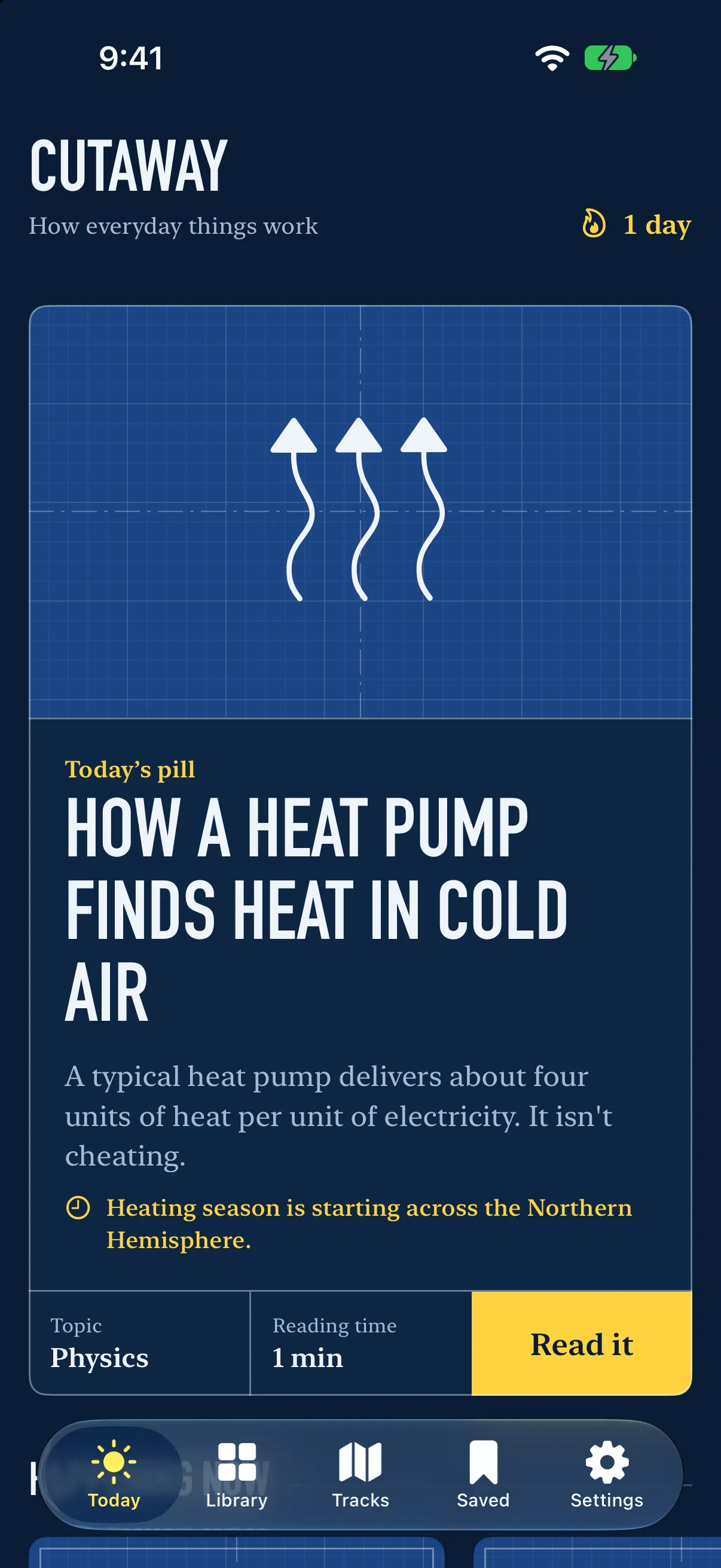
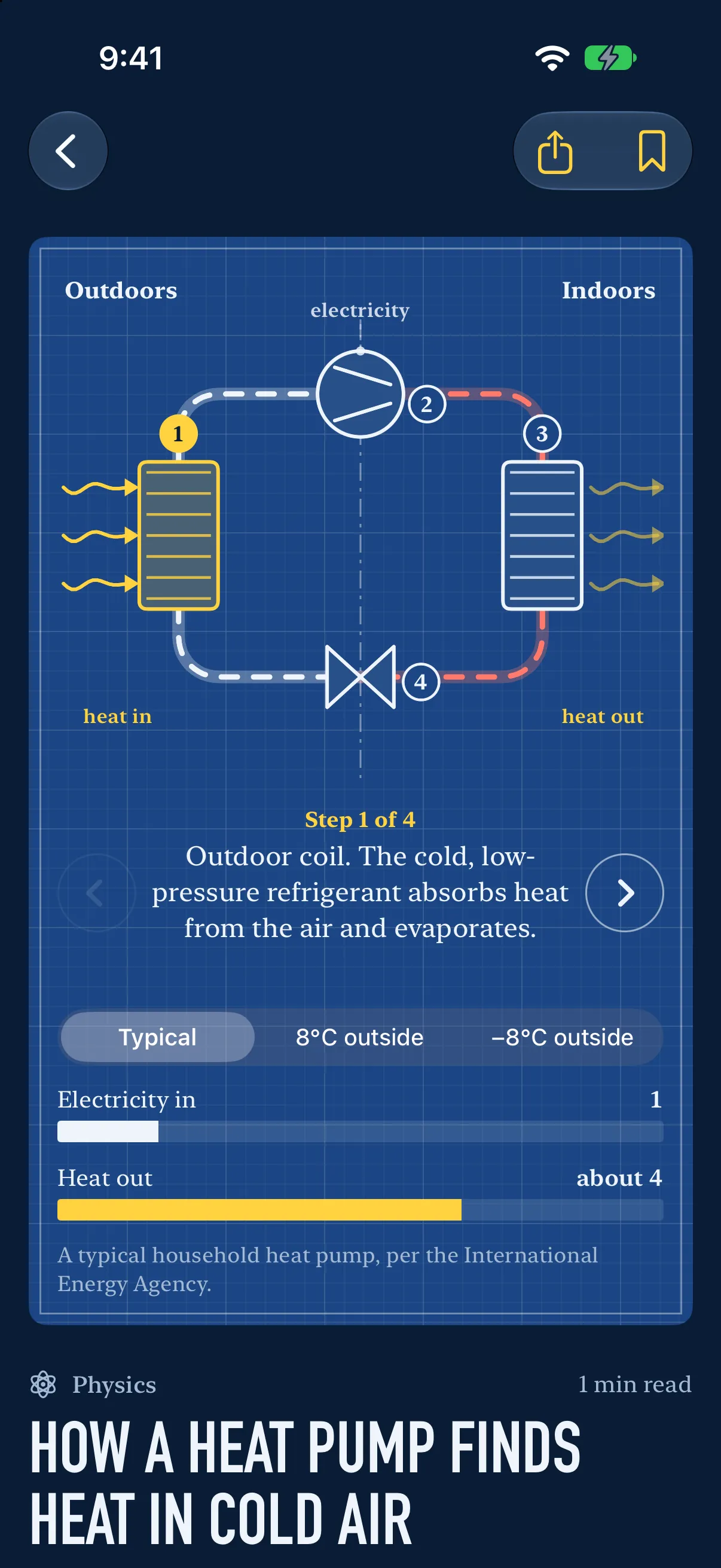
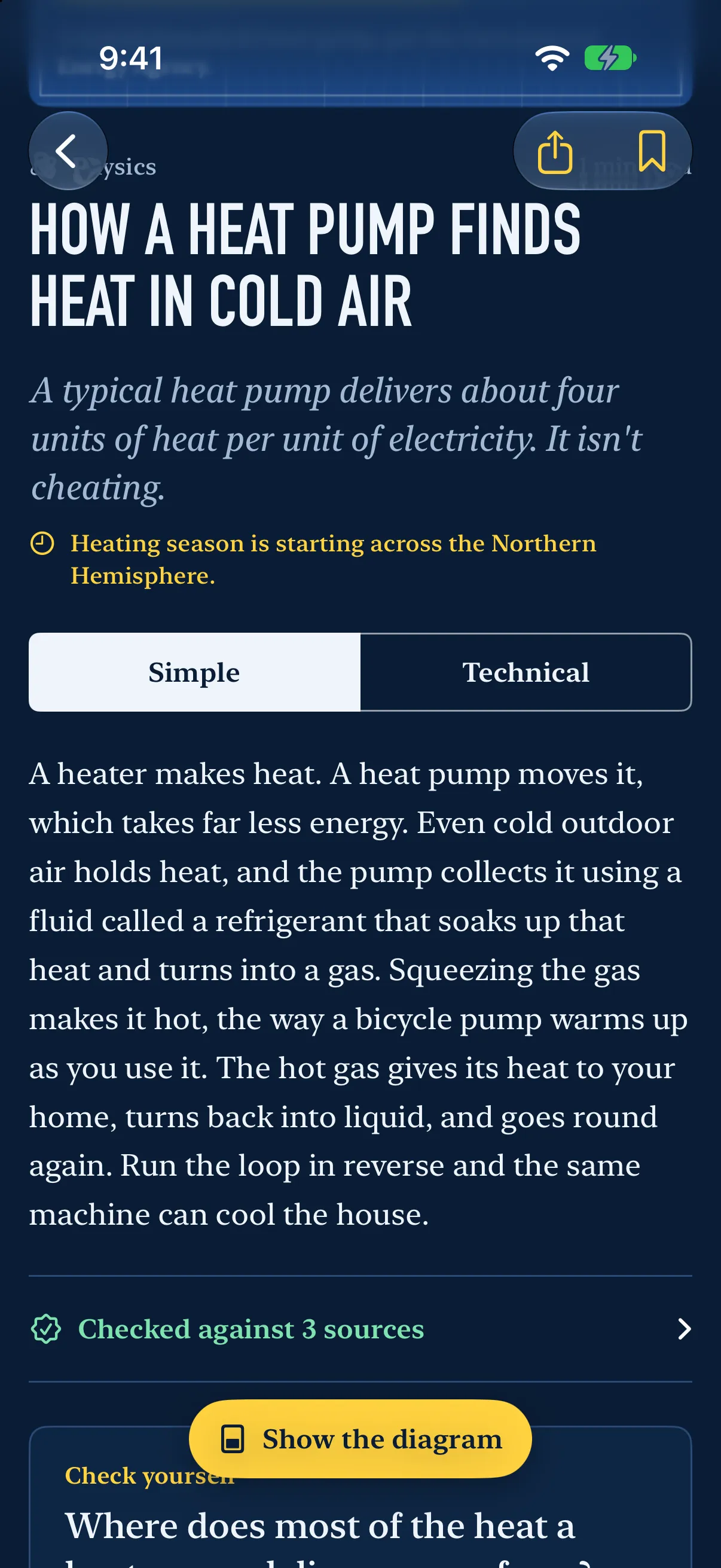
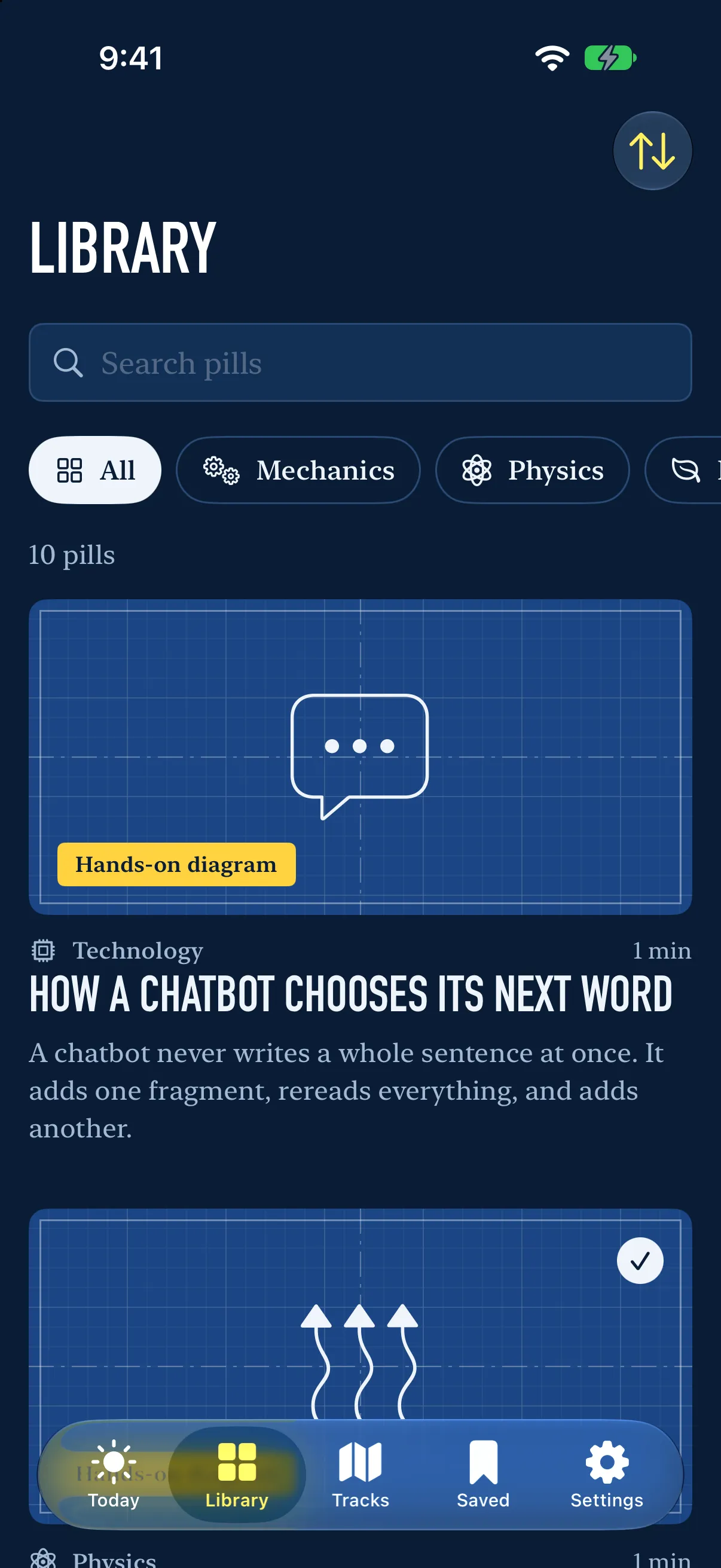
Each day Cutaway explains one everyday thing, from zippers and microwaves to heat pumps and tap to pay. Every explainer has a diagram you can work with your finger, a simple and a technical explanation, and the sources it was checked against.
iPhone and iPad · Free to try · Cutaway Plus subscription
Quick facts
Before you download
- Price
- Free to tryFree to try · Cutaway Plus subscription
- Ads
- No ads
- In-app purchases
- Subscription (Cutaway Plus)
- Account
- None needed
- Platforms
- iPhone and iPad (App Store)
- Status
- Coming soon
What’s inside
Inside Cutaway
A new explainer every day, drawn as a blueprint
A diagram you can operate in every one
A simple and a technical explanation, with sources
Questions that come back just before you forget
A daily reminder, a Home Screen widget and Spotlight search
Help
- Do I need an account to use Cutaway?
- No. There is no sign-up; just install it and start.
- Where can I get Cutaway?
- Cutaway is coming soon to iPhone and iPad (App Store).
- How do I cancel or change my subscription?
- Cutaway Plus is billed by Apple. In Cutaway, open Settings and choose Manage subscription, or open the Settings app on your iPhone, tap your name, then Subscriptions. If you cancel, you keep Cutaway Plus until the end of the period you have paid for.
- I already subscribe. How do I get Cutaway Plus on a new iPhone or iPad?
- Sign in with the same Apple Account, open Cutaway, go to Settings and choose Restore purchases.
- How do I get a refund?
- Apple handles payments and refunds for the App Store. Ask for one at https://reportaproblem.apple.com.
- I think an explainer has something wrong.
- Please tell us. At the end of every explainer, choose Report an error in this pill. It opens an email to us that already names the explainer. Say what is wrong and where you read otherwise.
- My daily reminder doesn’t arrive.
- Check that Daily reminder is on in Cutaway’s Settings, and that notifications are allowed for Cutaway in the iPhone Settings app, under Notifications. Once you have read the day’s explainer, a reminder comes only when review questions are waiting.
Anything else, or something not working? Email support@cometbarn.com and say which device you use. A real person reads every message.